
Clear, calm information in the waiting room.
Present opening hours, general information and business announcements in a readable screen playlist.
14 days free · No credit card required
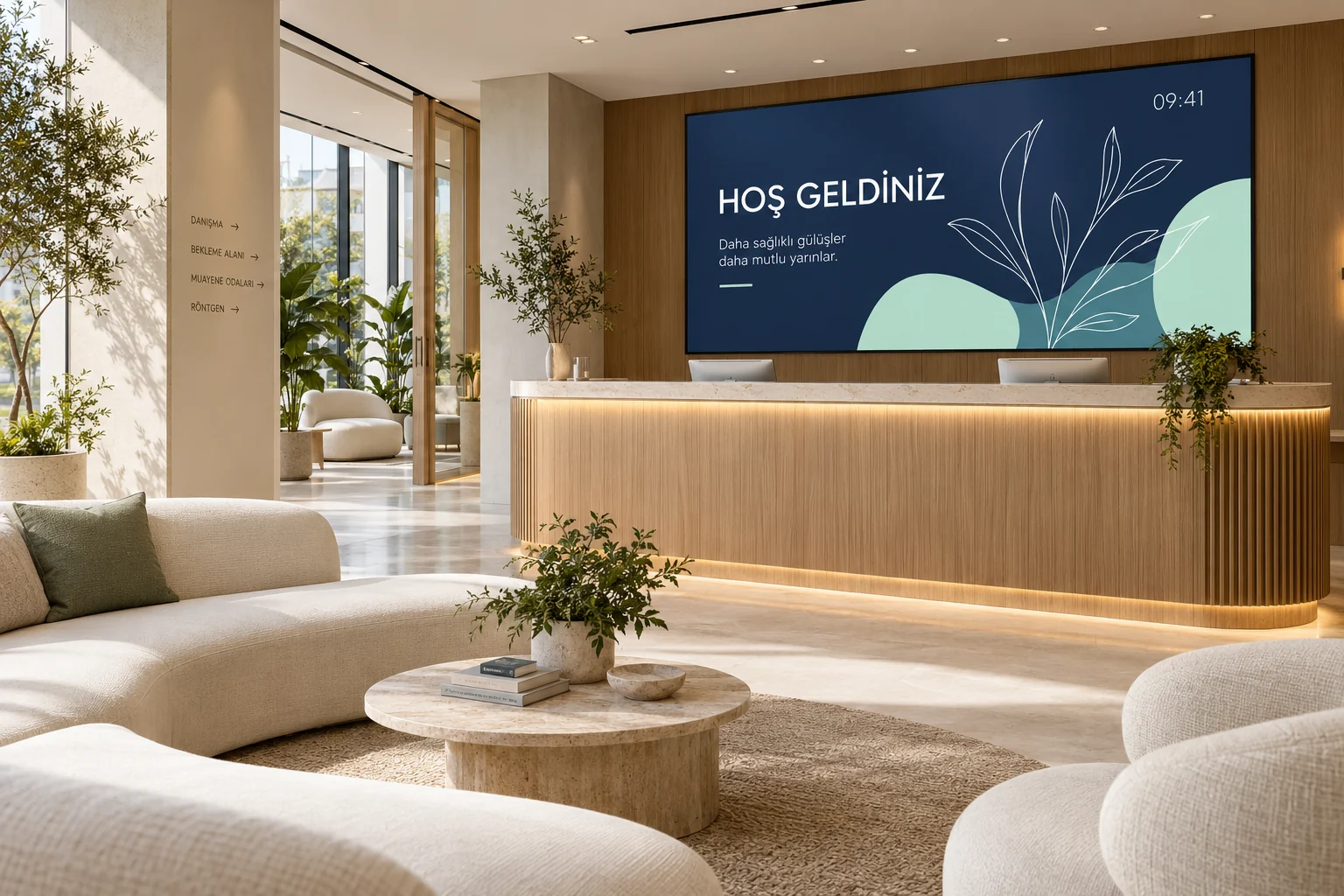
Built around your day
Waiting room information
Opening hours, appointment rules and general notices in a calm, simple loop.
Instant notice
Put a message like "Open until 2 pm today" on every screen straight away.
Content by time of day
Different content morning and evening; the screen turns off at closing time by itself.
Weather and clock
Useful, always-current information for people waiting.
QR code
A code people scan to reach your online booking or contact page.
Secure management
Two-step verification, role-based team permissions and an activity log.
Suggested setup
- A screen in the waiting room: opening hours, general information, the clock.
- Daily notices in the ticker; a one-click notice when something urgent comes up.
- Give a team member permission to edit content only.
Opening hours → visitor information → business announcement
Start with one screen and one playlist. Preview the content, pair the screen, then assign the playlist.
Follow the illustrated setup →What you need
A compatible commercial display, Android TV device or computer browser, plus an internet connection for setup and updates. Downloaded media keeps playing offline; live data needs connectivity.
Check compatible devicesReady for your first broadcast?
Choose a plan that fits your screen count.