Connection lost.
Story still playing.
Previously downloaded images and videos keep playing when the internet drops.
menu.jpg On device kampanya.mp4 On device duyuru.png On device
New content and live data require a connection.
A menu update. A new campaign. Multiple locations.
All from one dashboard. All in your control.
Change a price in the dashboard or send a notice from the phone. Watch both screens update together.
Sample data; nothing in your account changes.

Edit a price, schedule a playlist, check your screens. Bring your everyday work into one place.
Change one number.
Update every screen.
One dashboard change reaches your connected screens.
From breakfast menus to evening offers. Put the right playlist on screen at the right time.
Breakfast menuPrepare your broadcast with day, time and date rules.
Organise screens into locations and groups. See what is playing and where, at a glance.
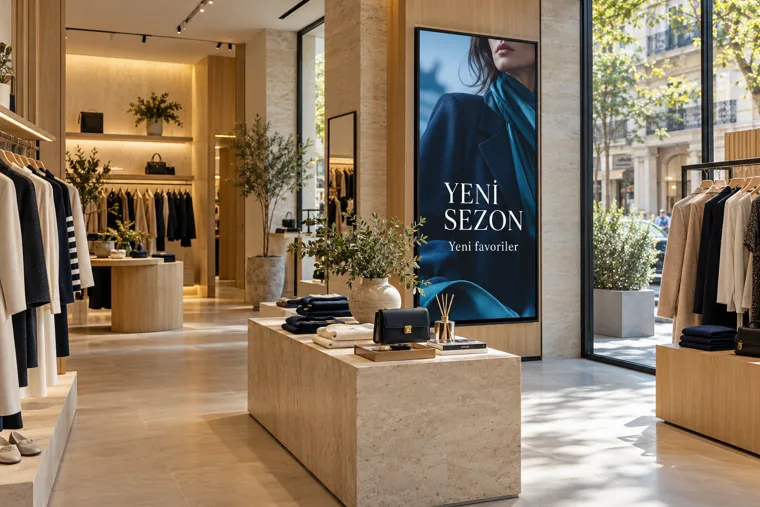
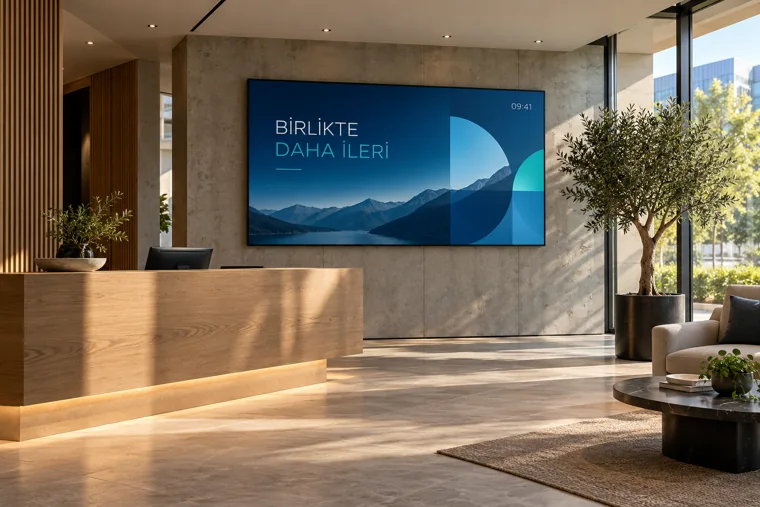
All your locations, at one broadcast desk.
An illustrative product demo. Actions here do not change your account.
Do not wait to reprint a menu. Edit your live price list in the dashboard and send the update to your connected screens.
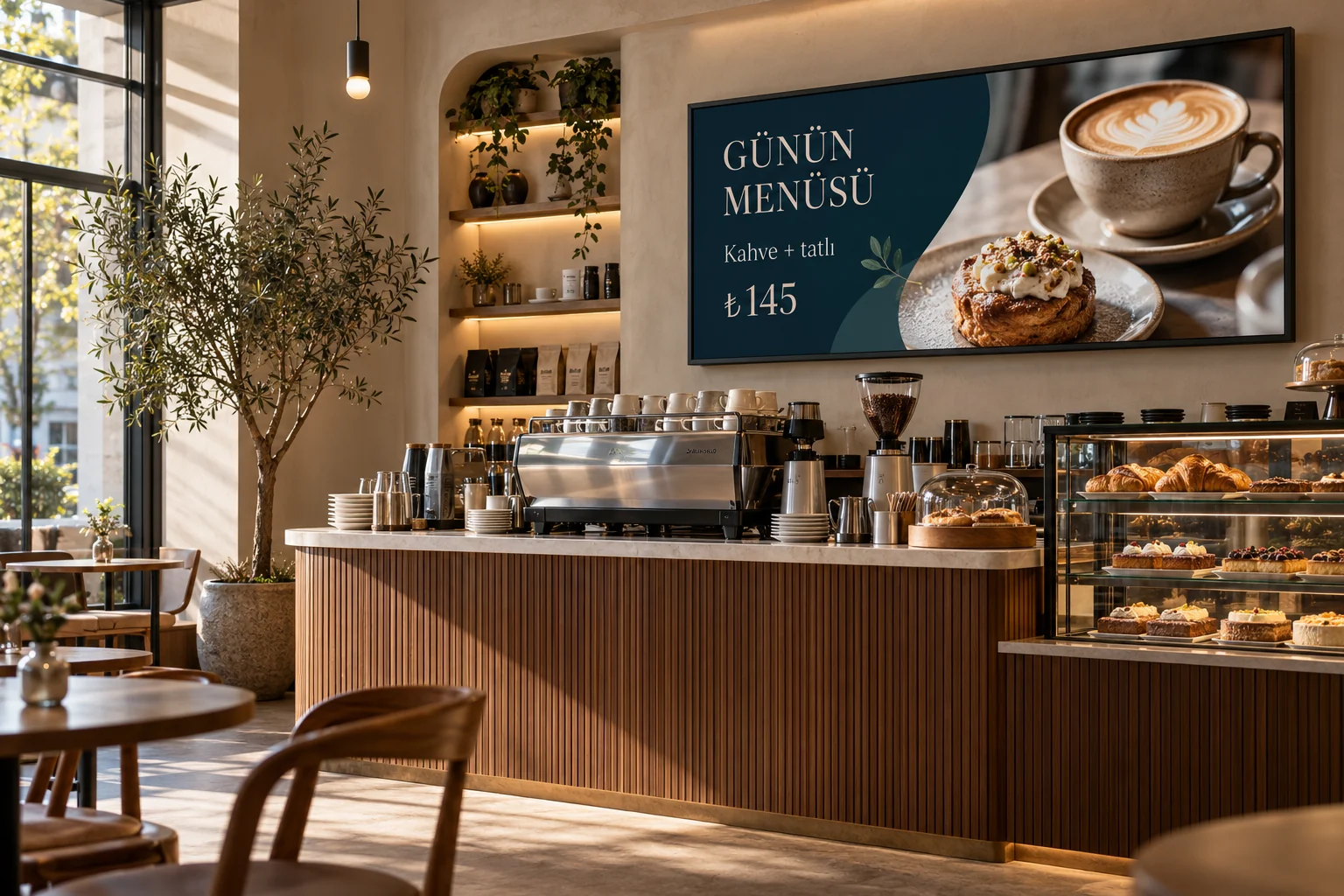
Bring images, video and live content into one playlist. Set durations and dates. Write the story for every screen.
Tap the content below. Preview what plays next.
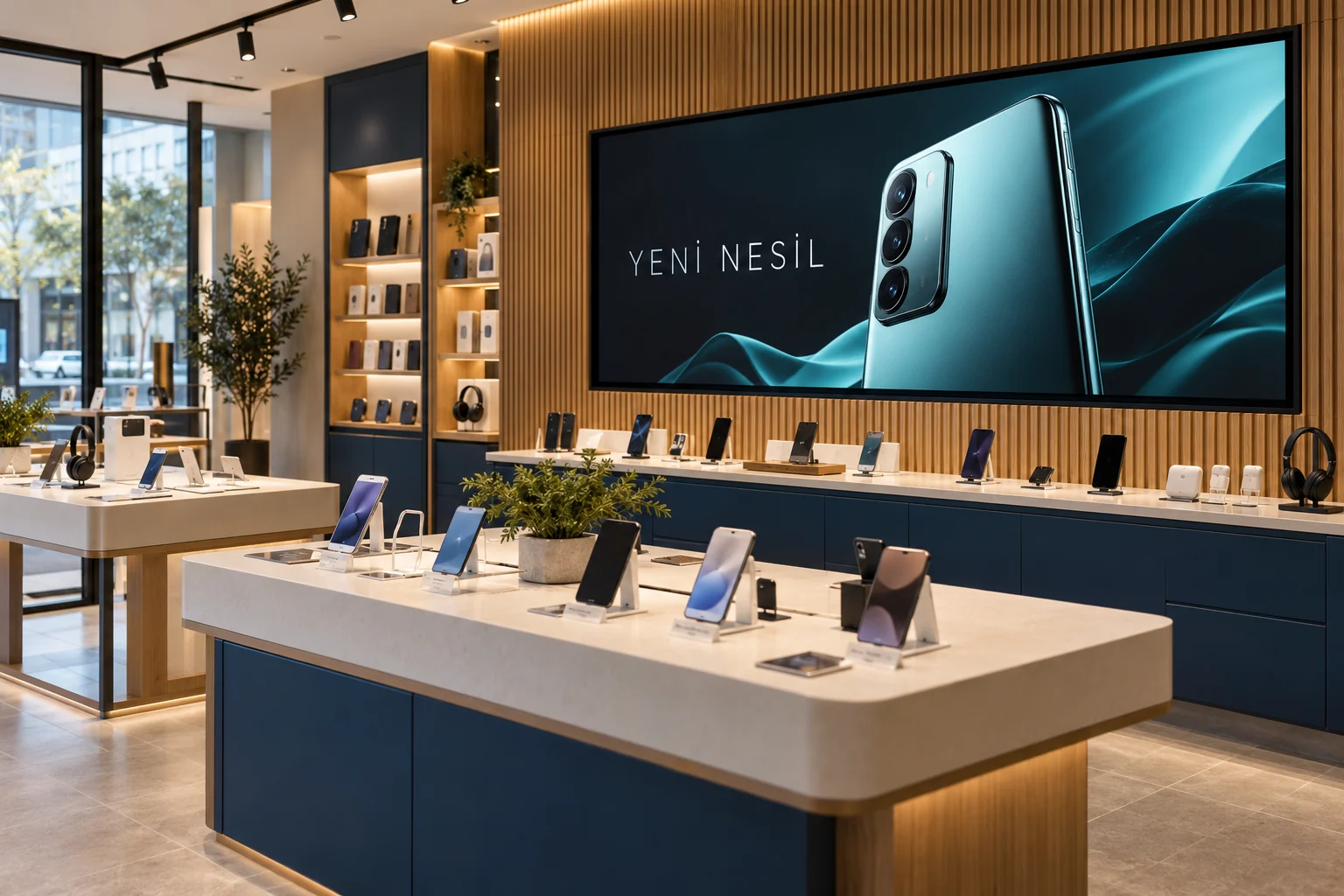
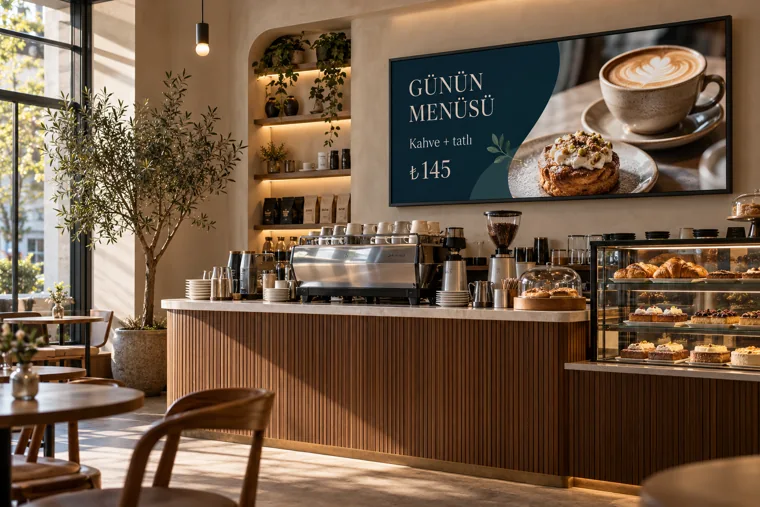
Daily menu Next generation
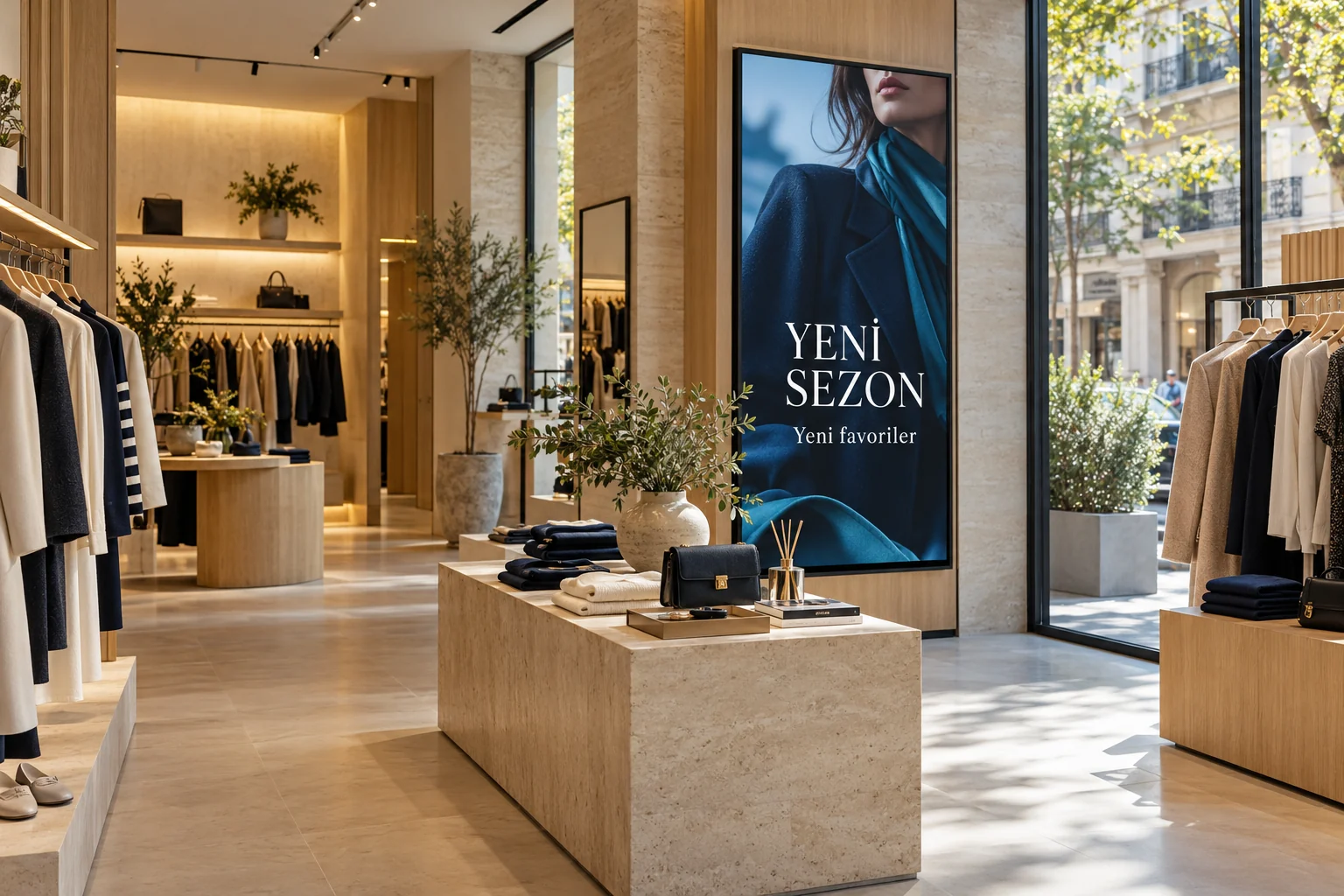 New season
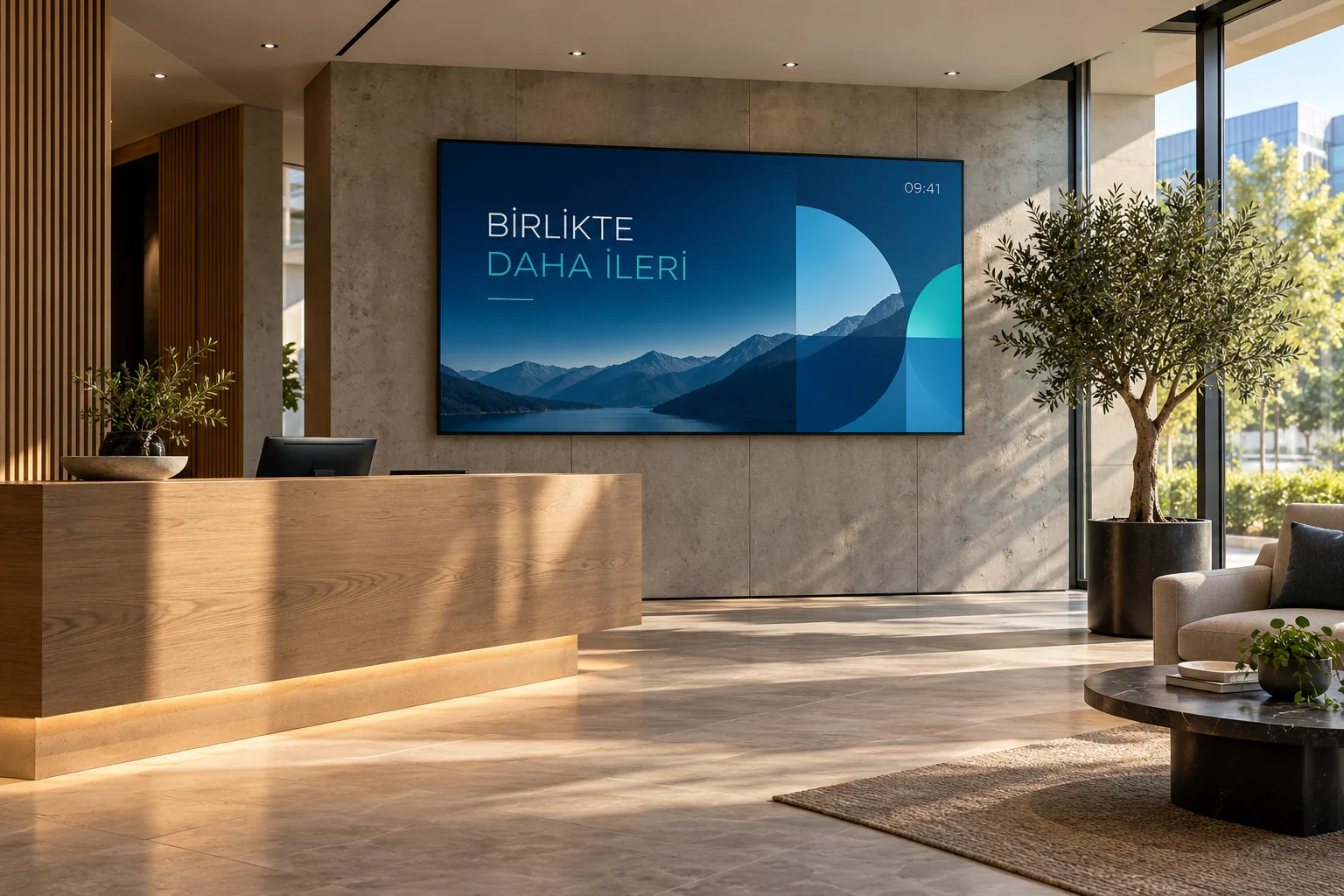 Further together
Illustrative playlist preview. Selections do not affect your account broadcasts.
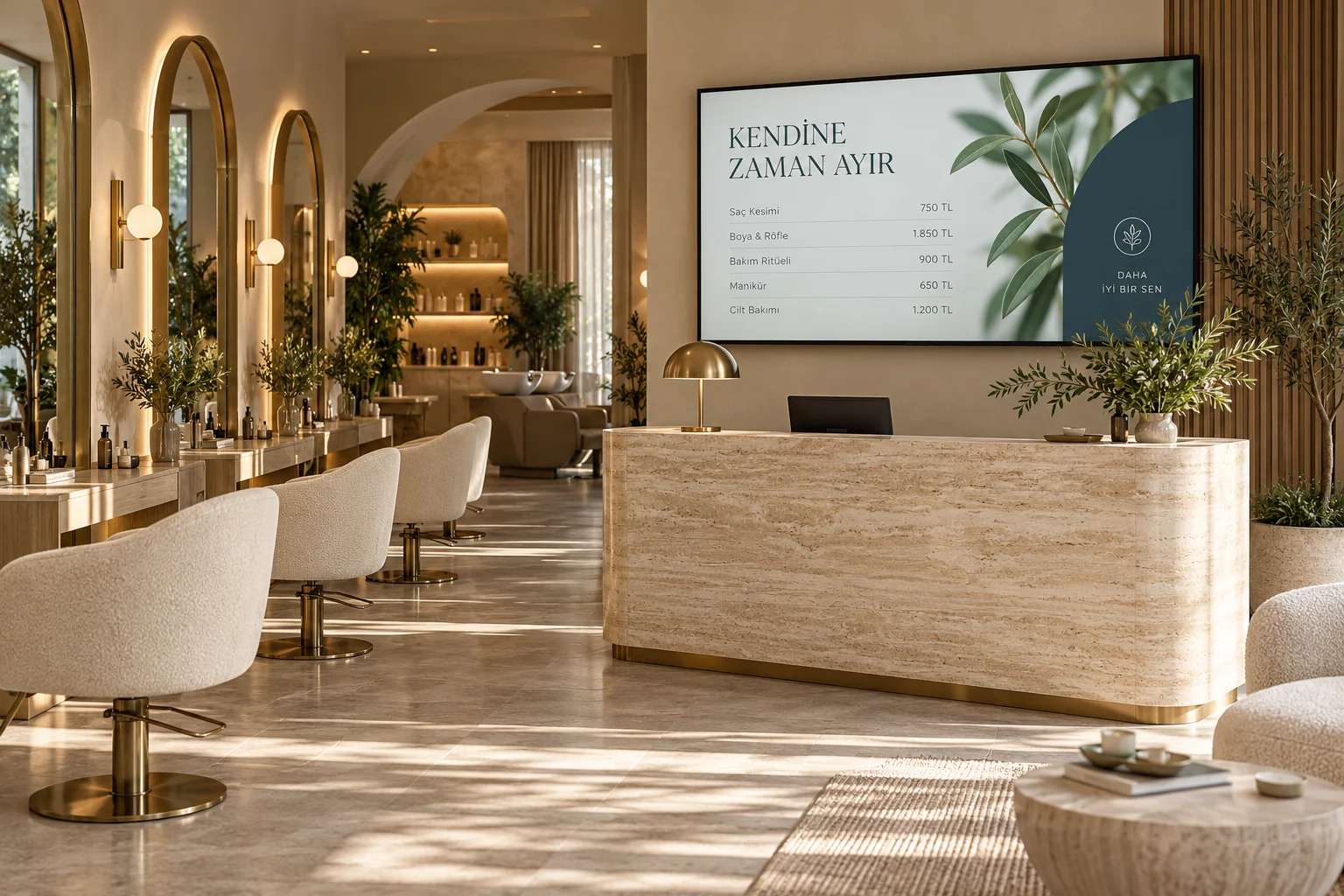
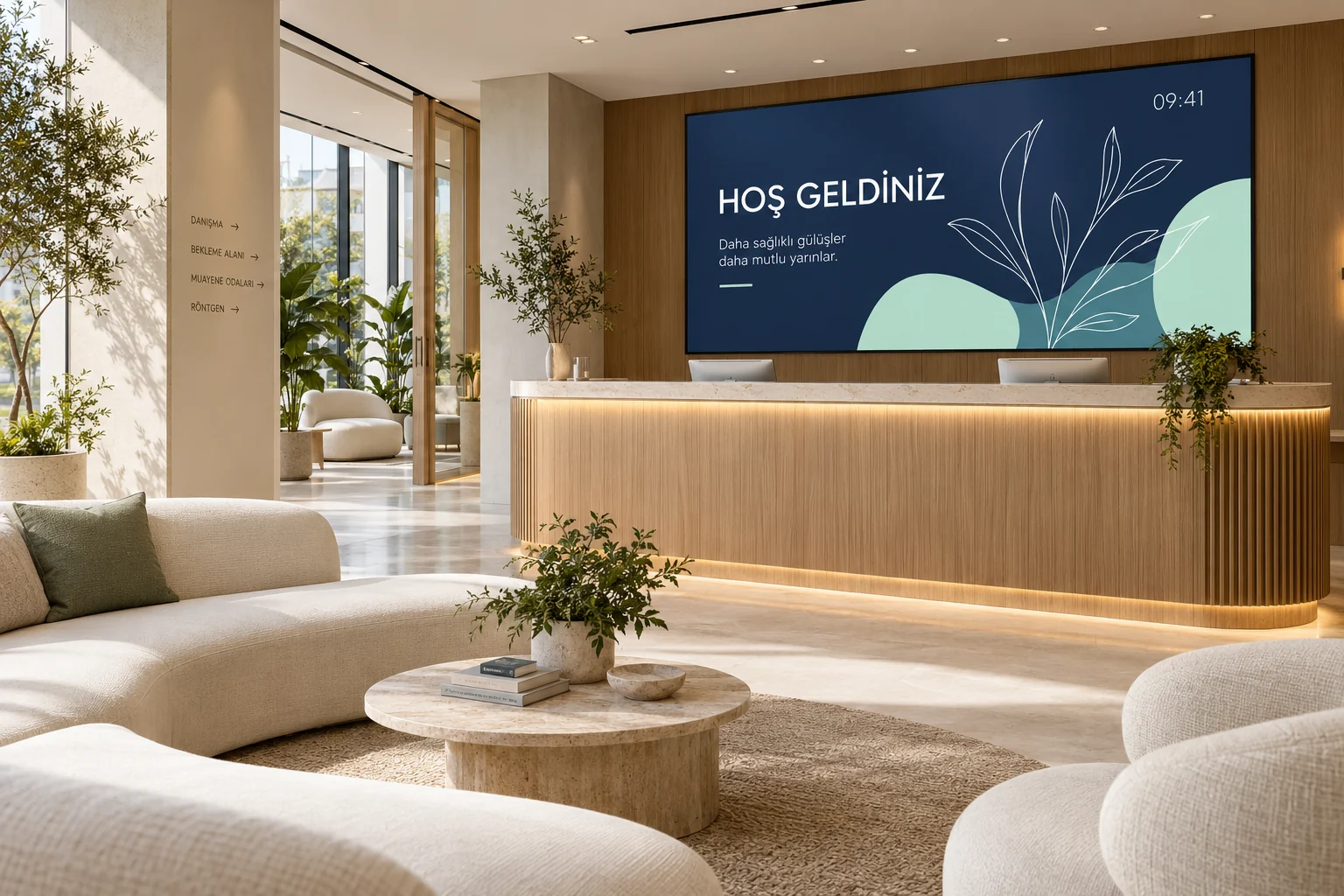
Menus in your café. Offers in your window. Announcements in your office. Choose your world and see Viswoo there.
Spaces were created specifically to illustrate use cases.
A system that takes care of the small details and makes screen management feel simple.
Previously downloaded images and videos keep playing when the internet drops.
Start with menu, campaign, announcement and QR templates. Make them your own.
Give teammates access that fits their role. Protect accounts with two-step verification and track activity.
Commercial display, Android TV or computer. Choose the setup path that fits your device.
Help me check my modelwebOS application and setup guide for supported commercial models.
Setup guideDevice-specific signed package and setup through URL Launcher.
Setup guideInstall the player app on a supported Android device.
Setup guideOpen the browser player on a computer connected to your screen.
Setup guideCompatibility depends on model and operating system version. Check the device guide before installing.
VisChat opens on the right of the panel. Write what you want; it builds the playlist, sets the schedule, creates the image. For anything that affects broadcasting it asks you first. Your data is not used for model training; privacy notice.
“Make a playlist with three images, 5 seconds each.” Playlists, schedules, screen settings, emergency alerts… Small changes right away, undo in one click.
Turn a product photo into a poster or create a campaign image from scratch, in your brand colors and with your logo. Image Generator option.
Videos that zoom, pan or reveal a title; gentle animations like steam rising from a cup. Video option.
Add interactive plugins like the Prize Wheel to your screens from the Plugins store in the panel. If you build software, write your own plugin and publish it in the Viswoo store.
Developer docs Developer portalTurn a plugin on in the panel and choose which screens show it and when. Settings in the panel, live on screen.
In HTML and JavaScript, with the SDK, ready templates and a screen simulator on your computer. It runs on older screens too.
A reviewed plugin takes its place in the store. You get 70% of the revenue of paid plugins, paid monthly.
From a single window to a network of locations. Find the plan that fits.
All plans include 14 days free. For plan details, explore pricing.
Supported LG webOS and Samsung Tizen commercial displays use their platform app. Android TV/boxes and computer browsers are also options. Compatibility varies by model; share your model with us.
Previously downloaded images and videos keep playing on the device. New content and live-data updates require an internet connection.
You do not need to write code for daily content management. Initial device setup varies by platform; follow the illustrated setup guide.
Yes. Create locations and screen groups, assign shared playlists in bulk and give teammates different access roles.
No. Create an account without entering a credit card and explore the system during the available trial.
Bring your business story to your screens.