
Fresh plans. Up-to-date screens.
Bring plan, device and accessory offers into one playlist. Help waiting customers discover your services.
14 days free · No credit card required
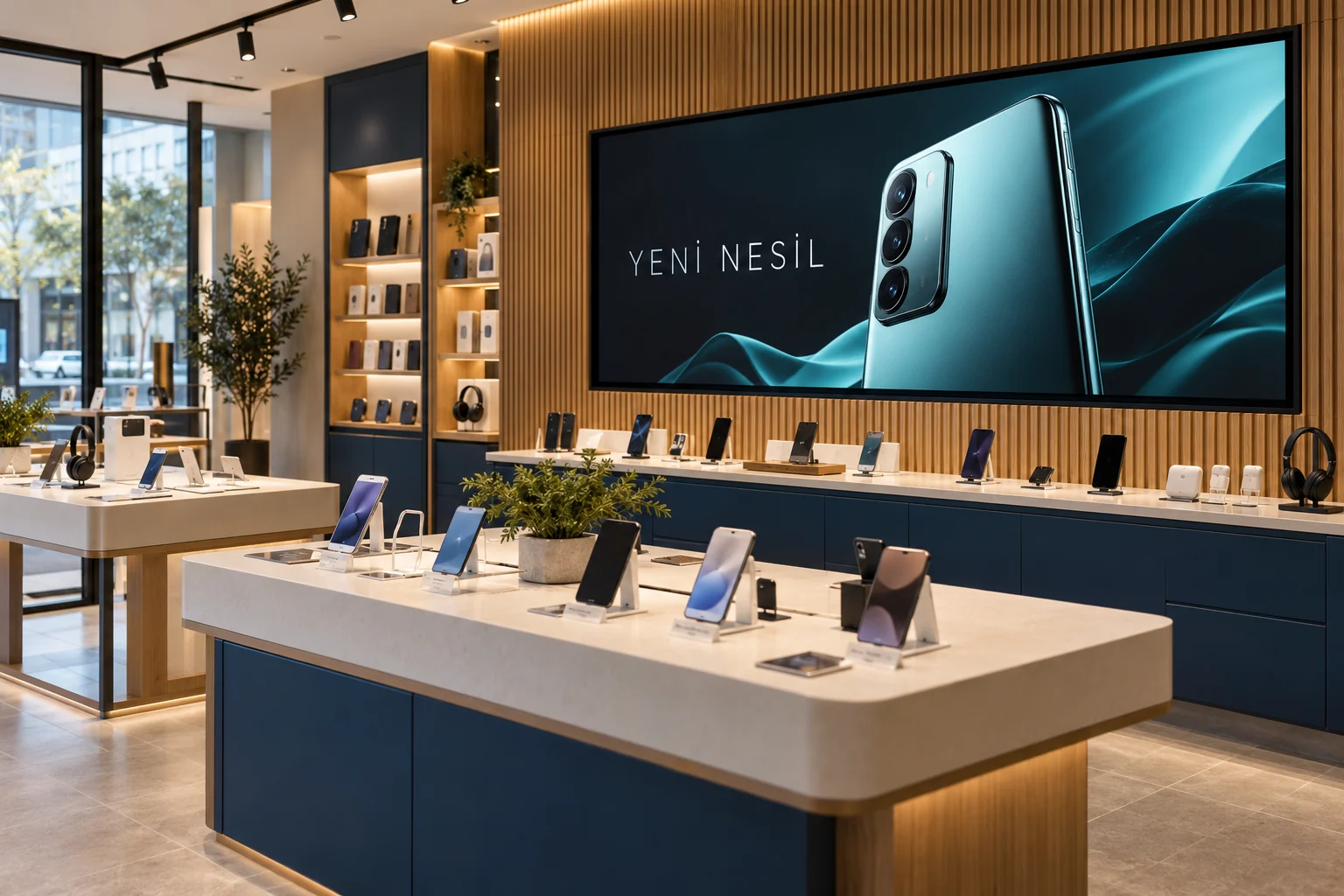
Built around your day
Replace a promotion image
Upload the operator's new image; it takes the old one's place without breaking the playlist.
Device and plan list
Write device, plan and instalment rows in the dashboard; the screen updates instantly.
Exchange rates
Exchange rates update by themselves, so customers asking about device prices can see them.
Promotion countdown
Speed up decisions with an "Offer ends in 3 days" counter.
Sidebar
The operator's video on the left, your price list and the clock on the right.
Multiple stores
Group screens by store and send a promotion to all of them in one go.
Suggested setup
- A screen in the window: operator promotions, dated publishing, a countdown.
- A screen behind the till: the sidebar layout, device videos on the left, price list and exchange rates on the right.
- A screen in the waiting area: plan images and a QR code for online applications.
Plan table → device offer → accessory promotion
Start with one screen and one playlist. Preview the content, pair the screen, then assign the playlist.
Follow the illustrated setup →What you need
A compatible commercial display, Android TV device or computer browser, plus an internet connection for setup and updates. Downloaded media keeps playing offline; live data needs connectivity.
Check compatible devicesReady for your first broadcast?
Choose a plan that fits your screen count.