
Keep your team on the same page.
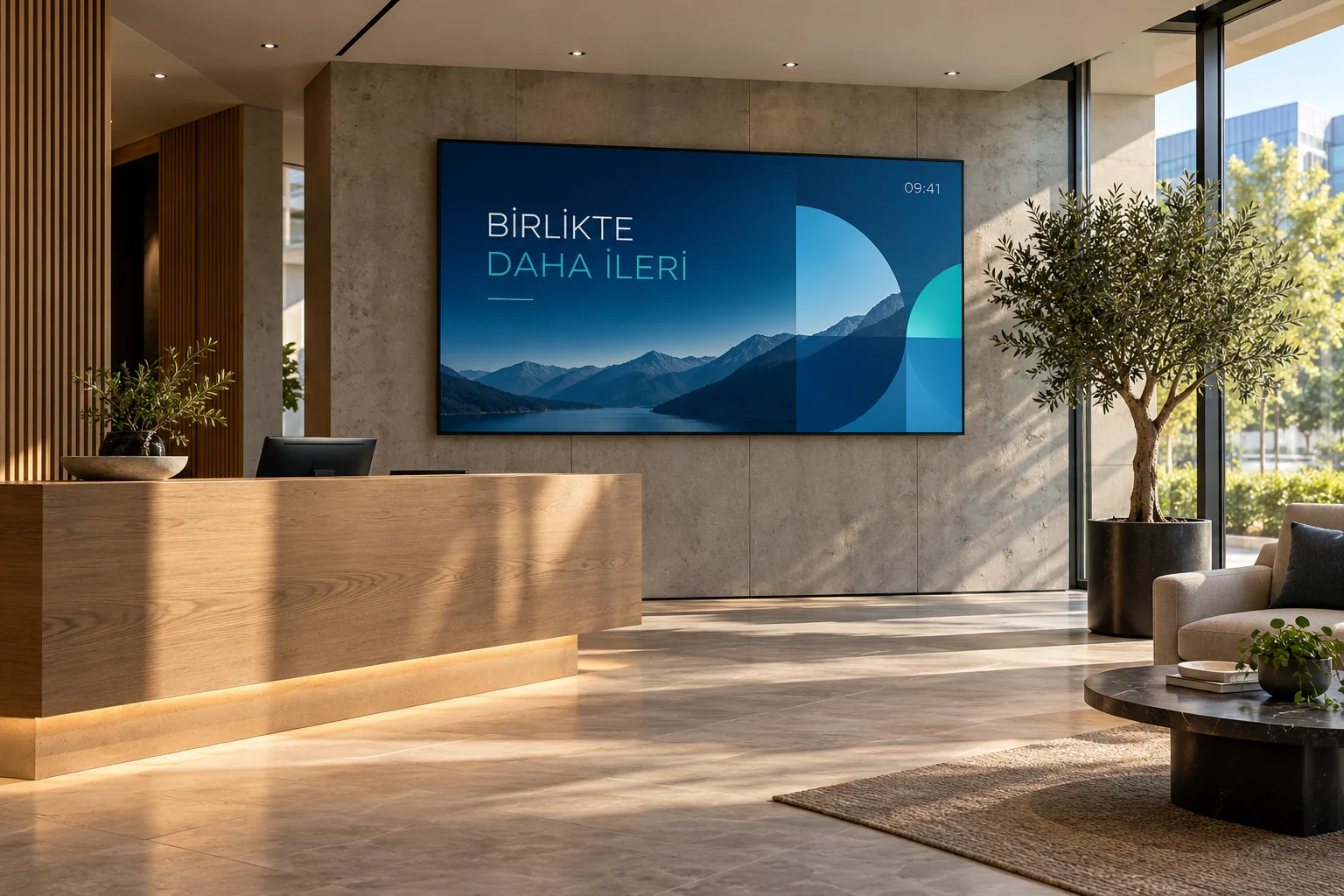
Publish welcome messages, staff announcements and event information centrally across office screens.
14 days free · No credit card required
Built around your day
Welcome screen
Greet visitors and new starters by name at the entrance.
Staff announcements
Publish meeting, training and event notices on every floor at once.
Screen groups
Group screens by floor or branch so the right message reaches the right place.
Weather, clock and rates
Always-current information in shared areas.
Event countdown
Boost attendance with counters such as "5 days to the year-end meeting".
Team and permissions
HR edits announcements, IT manages screens; everyone works within their own role.
Suggested setup
- A screen at reception: welcome message, clock and weather.
- A screen group in shared areas: announcements and an event countdown.
- A screen outside the meeting room: today's schedule.
Welcome → team announcement → event calendar image
Start with one screen and one playlist. Preview the content, pair the screen, then assign the playlist.
Follow the illustrated setup →What you need
A compatible commercial display, Android TV device or computer browser, plus an internet connection for setup and updates. Downloaded media keeps playing offline; live data needs connectivity.
Check compatible devicesReady for your first broadcast?
Choose a plan that fits your screen count.